What Photo to Use for a Bulin 47 AI Video
Choose a photo for Bulin 47 AI: one adult, a clear front-facing face, visible shoulders, JPG/PNG/WebP up to 8 MB. Photo tips and privacy explained.
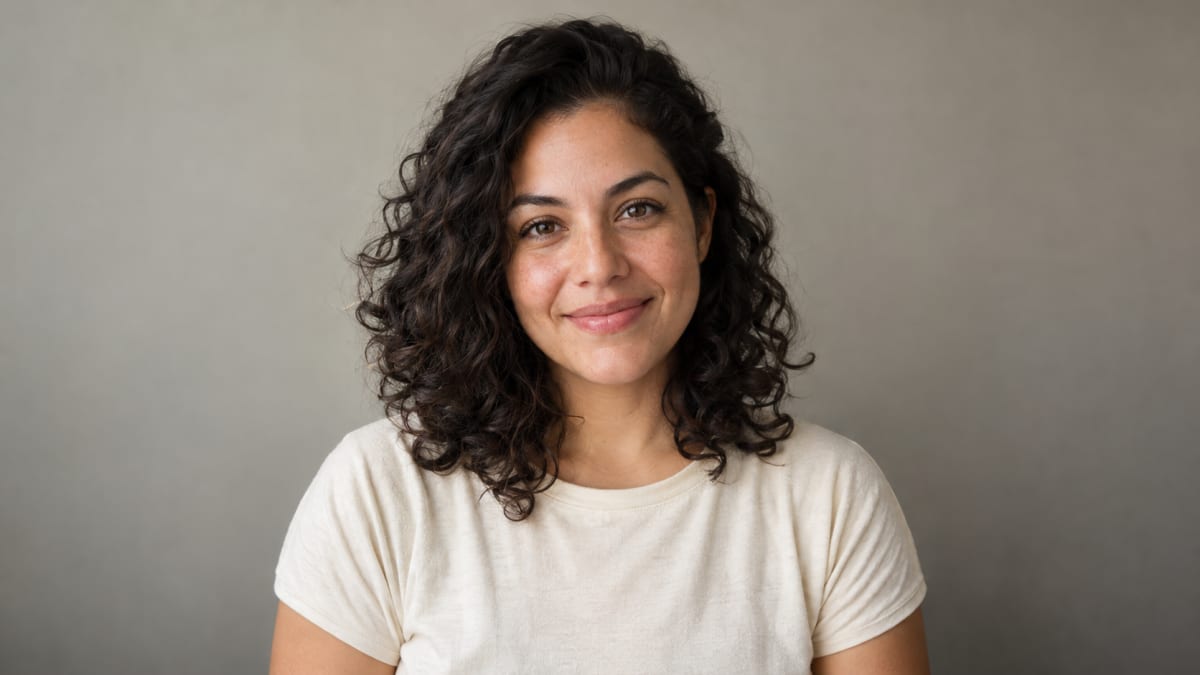
One photo of one adult is all the tool needs: a clear, front-facing face, well lit, with head and shoulders in frame, saved as JPG, PNG or WebP up to 8 MB. The person must be 18 or older, must not be a public figure, and you must own the photo or have permission to use it. A good photo helps, but AI can still change facial details, hands or motion, so no photo guarantees an exact match.
You do not need a full video or several selfies. The performance reference is already prepared; your authorized adult photo guides the appearance in the generated clip. See how the one-photo workflow works.
What the tool checks when you add a photo
When you pick a file, the creator checks the file itself:
- Type: JPG, PNG or WebP
- Size: up to 8 MB
PNG inputs must have no alpha channel or transparency metadata. Use a JPG or opaque PNG for video editing.
It cannot check who is in the photo, so the rules below are on you to follow. Your draft remains on your device until you start the authenticated upload and quote flow. The original file is not altered. Passing the file checks only means the photo can be used; it does not mean the face will be reproduced exactly.
The rules that are not about file quality
| Rule | Why it matters |
|---|---|
| One adult per photo, 18 or over | The service does not accept photos of minors |
| No public figures | Generated clips of public figures are not accepted |
| You own the photo or have permission | The person in the photo is the one who has to agree |
| One person, not a group | The clip has a single performer, so extra people only confuse the input |
Photos that tend to work
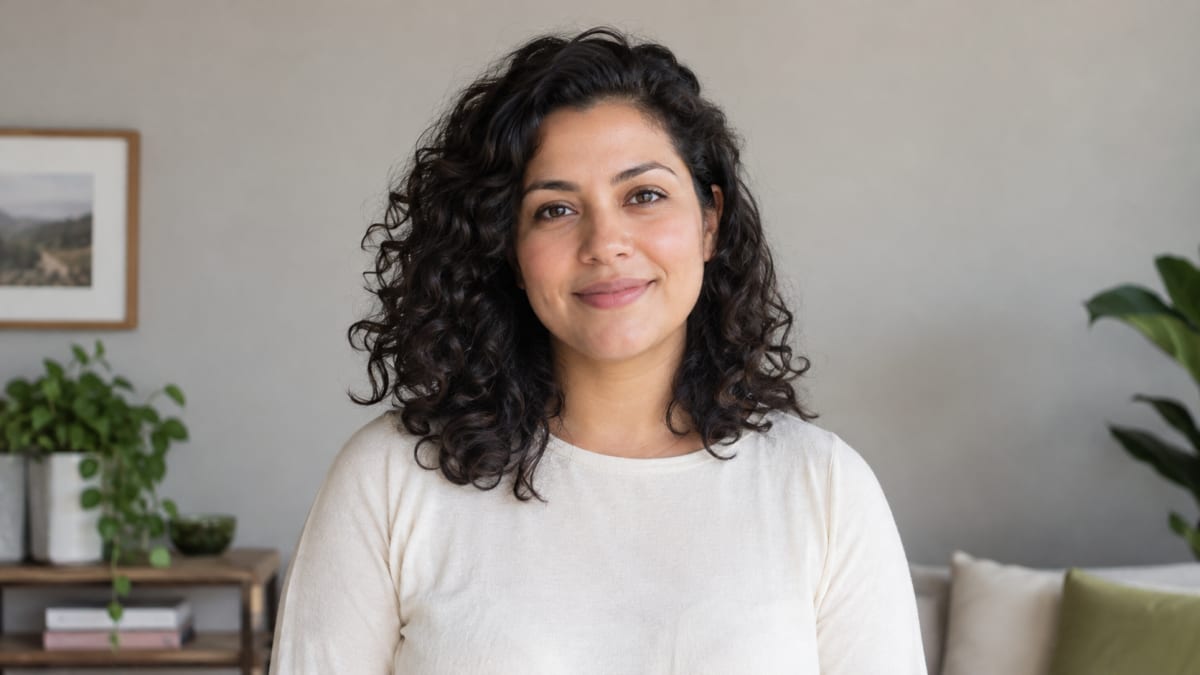
| Bring | Why it helps |
|---|---|
| A clear, well-lit face | The model has more detail to work from |
| Head and shoulders in frame | Gives a sense of build and clothing |
| A mostly front-facing angle | A face turned away gives less to match |
| Even light, no harsh shadow across the face | Shadowed features are partly invented |
| A plain, uncluttered background | Keeps attention on the face |
Photos to avoid
| Leave out | What can go wrong |
|---|---|
| Sunglasses, masks or a hand over the face | Hidden features have to be guessed |
| Group photos or very small faces | The wrong face can be picked up, or detail is lost |
| Heavy filters or very dark photos | Skin tone and features can drift |
| Blurry or heavily compressed photos | There is little detail to reproduce |
| Photos of children | Not allowed, the person must be an adult |
| Photos of public figures | Not allowed |
Why lighting and angle matter more than camera quality
A sharp photo helps, but a well-lit one helps more. Faces lit from the front keep the shape of the eyes, nose and jaw readable, which is what the render works from. Harsh side light, deep shadow or a face turned away all leave the same problem: features that the model has to fill in. A front-facing photo taken in ordinary daylight is normally a better input than a dark or heavily filtered one taken on a better camera.
What a good photo cannot guarantee
The fixed reference guides similar motion and scenery; your photo guides the adult's appearance. The result is generated content and may differ from either reference. Even with an ideal photo, a result can:
- change small facial details or expressions
- render hands or fingers imperfectly
- vary clothing details
- move differently from the original trend clip
If a result does not look right, try a clearer, better-lit photo rather than generating again from the same one.
Check before you submit
- One adult is in the photo, aged 18 or over.
- The person is not a public figure.
- You own the photo or have permission to use it.
- The face is clear, front-facing and well lit, with head and shoulders visible.
- The file is JPG, PNG or WebP and under 8 MB.
- You know the clip will be 10 seconds, 720p, 9:16, and costs $9.90 as a guest single video, or one included account-pack video.
Cost and availability
One guest video costs USD 9.90 without login or a credit top-up. Original verified-account packs remain available; each included clip uses 45 credits. Choose USD 9.90 for 1 video, USD 19.90 for 3 or USD 29.90 for 5. Check the pricing page for current availability and the cost guide for video packs and the failure policy.
Privacy
Photos and clips are private. Uploaded photos expire 24 hours after the job finishes and are then removed by scheduled cleanup. Clips stay downloadable for 7 days. The service does not publish private customer media without separate permission.
Independence
Bulin 47 AI Video is an independent tool. It is not affiliated with Bulin 47, their management or their label, and it uses a supplied fixed video template with its original audio. Using the tool does not grant blanket rights to source footage or music. Never present a generated clip as a real recording of any person, and check the music and content rules of the platform you post on.
Review before posting
The public site shows the delivered specification and a supplied video labeled as a sample reference. That reference is not a generated result. Review your own clip and disclose its AI-generated nature when the platform requires it. The creator does not retouch or relight your photo for you.
Questions about a specific photo can go to support@bulin47ai.dev.
Next: the step-by-step guide or how much a clip costs.